Gangline
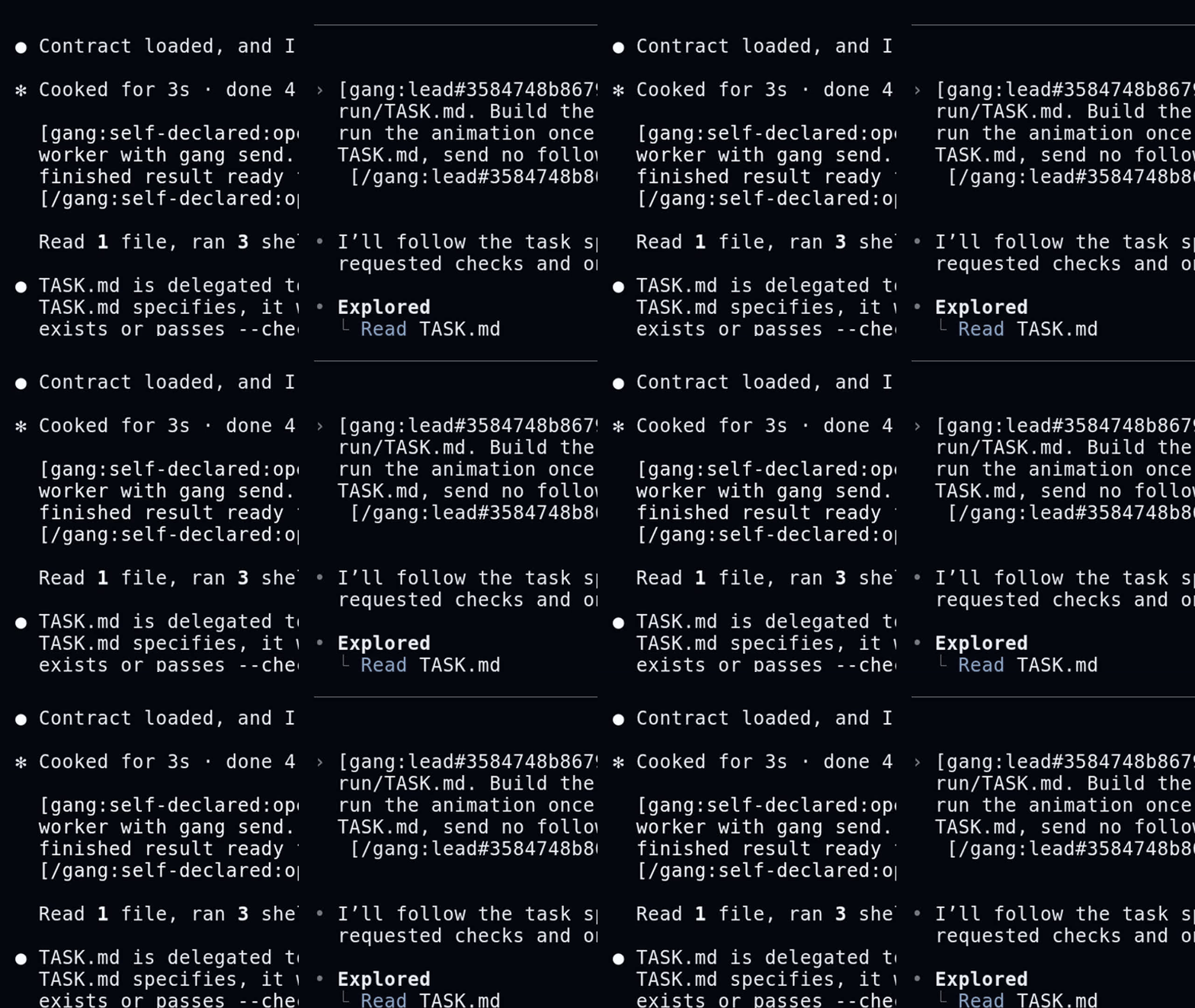
Gangline connects CLI coding harnesses as one team in tmux. It launches Claude Code and Codex in named windows, delivers attributed messages only when a native submit hook verifies the prompt, and records team state as a replayable event log.
Gangline is substrate, not a supervisor. Agents keep their native terminal UI, tools, permissions, and session history; operator prose decides how they work.
Install
Gangline supports macOS and Linux. Installation requires Git, Go 1.27 or later, tmux 3.2 or later, and at least one supported harness. Run each harness directly once so it can complete its own sign-in and repository prompts.
Install the latest stable release:
curl -fsSL https://raw.githubusercontent.com/adambiggs/gangline/main/install.sh | sh
The installer checks out the newest gangline-v* tag, builds one static gang
binary, and places it in ~/.local/bin by default. Confirm the installation:
gang --version
gang collars
Use gang upgrade --check to inspect the newest stable release and gang upgrade to install it.
Start a team
From the repository where the team should work:
gang up -c claude-code -m sonnet -e high
gang up creates the configured tmux session, hitches the first agent as
lead, and attaches your terminal. Detach with Ctrl-b d; return with gang attach.
Common commands:
gang roster
gang status lead --why
gang capture lead
gang hitch worker -c codex -d "$PWD" -r worker -t 'Run the focused checks.'
printf '%s\n' 'Report the result.' | gang send worker --from operator
gang log
Inside a registered agent window, gang send NAME derives the sender from the
tmux pane. Outside the team, --from is required and the envelope labels that
identity self-declared:.
State lives under ${XDG_STATE_HOME:-~/.local/state}/gangline/v1/. Every team
has an append-only events.jsonl; gang replay folds a saved log without
contacting tmux or a harness.
Documentation
Gangline is licensed under Apache-2.0.